Put a QR code app-download prompt next to the footer newsletter box
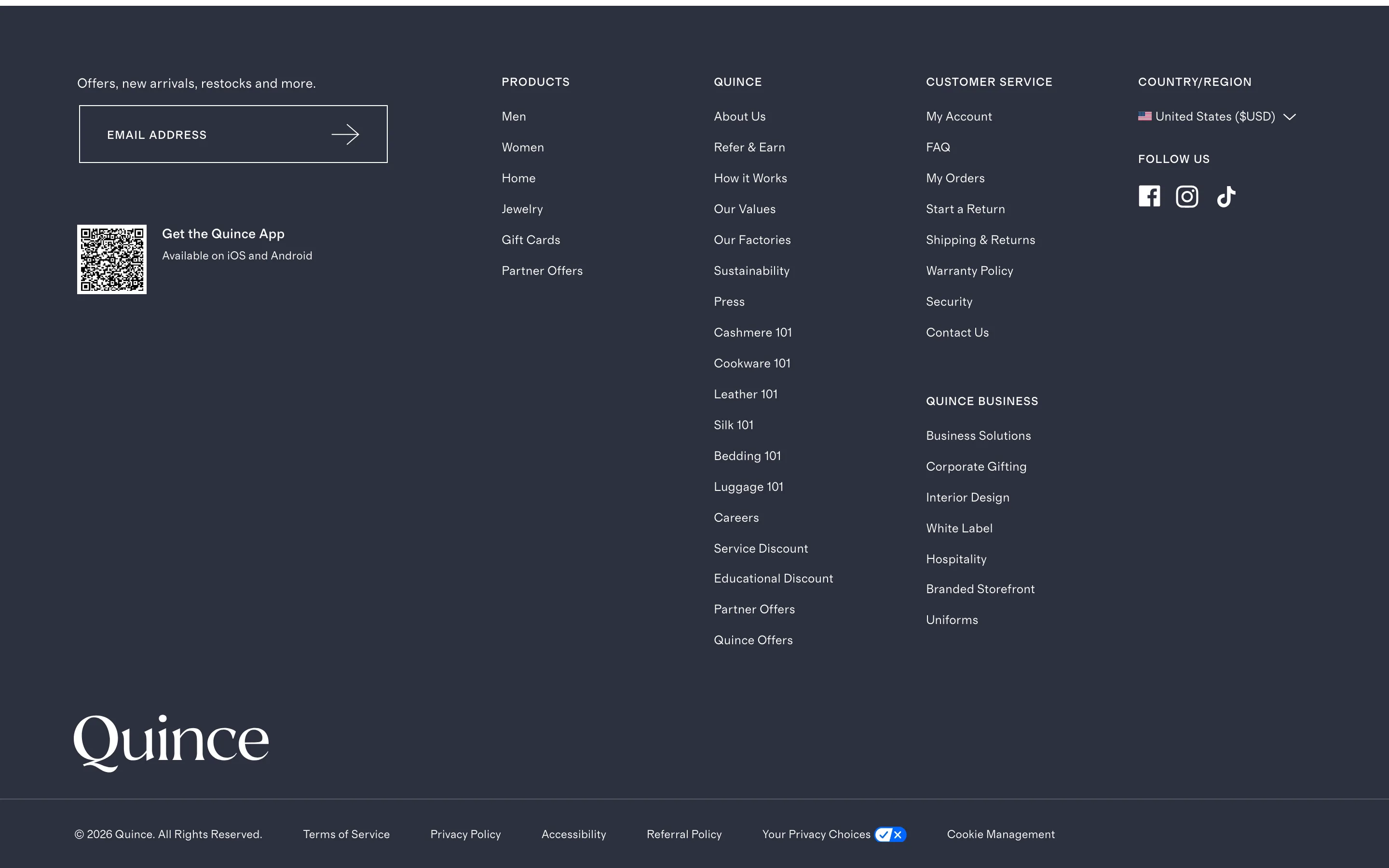
A QR code sits beside the footer's email signup box, letting a desktop shopper install the mobile app by scanning instead of remembering to search for it later.
What it is
Beside the email newsletter box, the footer carries a QR code with "Get the App, Available on iOS and Android", letting a desktop shopper install the app on their phone by scanning rather than typing a URL or searching an app store.
Why it works
A shopper reading the footer on a desktop or laptop has no direct path to their phone's app store from that device; asking them to remember to search for the app later is asking them to complete a task with nothing prompting it, and most people simply will not. A QR code closes that gap in the same moment the shopper is already looking at the footer, letting their phone's camera do the app-store lookup instead of asking them to type anything or remember to do it after they have moved on.
How to test it
- Hypothesis
- Adding a QR code app-download prompt to the footer will lift app install rate among desktop sessions, because shoppers can jump straight to the app store from their phone instead of having to remember to search for the app later.
- Primary metric
- App install rate attributed to desktop sessions
- Guardrail metric
- Email newsletter signup rate, which could fall if shoppers who would have entered their email scan the QR code and download the app instead
Related ideas
Want this tested on your store?
We run the experiment, call the result honestly, and get paid on what it adds.
See the performance program