Nav & headerDesktopDiscoveryFriction
A mega menu that previews products with a quiz panel
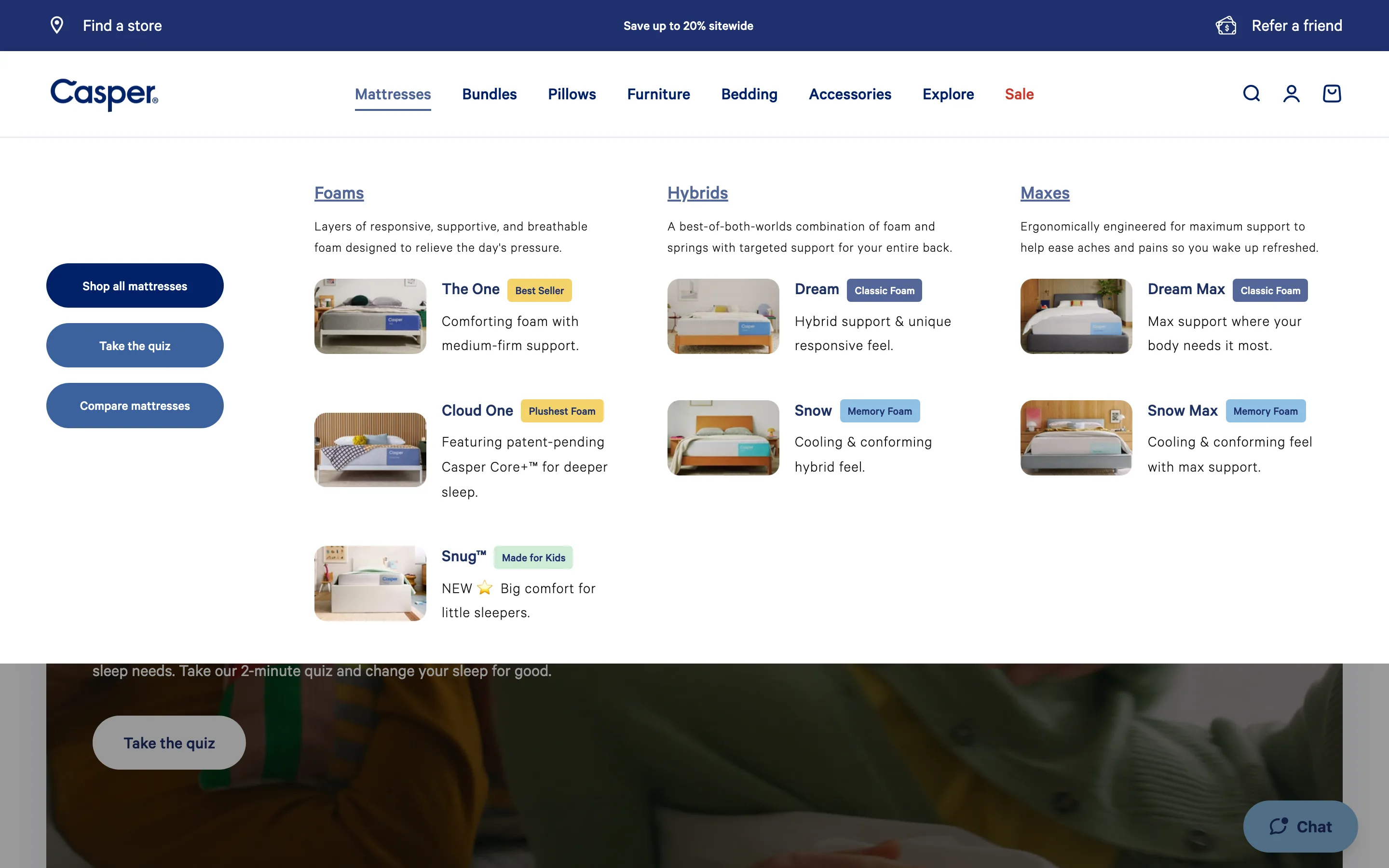
The menu shows product-preview cards grouped by type with images and badges, beside a panel of shortcuts, so shoppers browse the range or take a guided quiz from the nav.
What it is
Hovering the main category opens a mega menu of product-preview cards grouped by type, each with a thumbnail and a badge (Best Seller, feel), beside a panel of shortcuts like Shop all, Take the quiz and Compare.
Why it works
Previewing the actual products inside the nav lets a shopper recognise what they want before clicking, and the quiz and compare shortcuts rescue the undecided, so the menu both merchandises and guides.
How to test it
- Hypothesis
- A product-preview mega menu with a quiz shortcut will lift product-page entries and quiz starts from the nav versus a text-only dropdown.
- Primary metric
- Click-through to product pages from the nav
- Guardrail metric
- Quiz completion rate, to confirm the shortcut helps rather than distracts
Related ideas
Want this tested on your store?
We run the experiment, call the result honestly, and get paid on what it adds.
See the performance program