Open the size guide as a modal at the point of variant selection
A size chart that opens without leaving the page, positioned right where the shopper is choosing a size, so checking fit does not cost them their place on the product page.
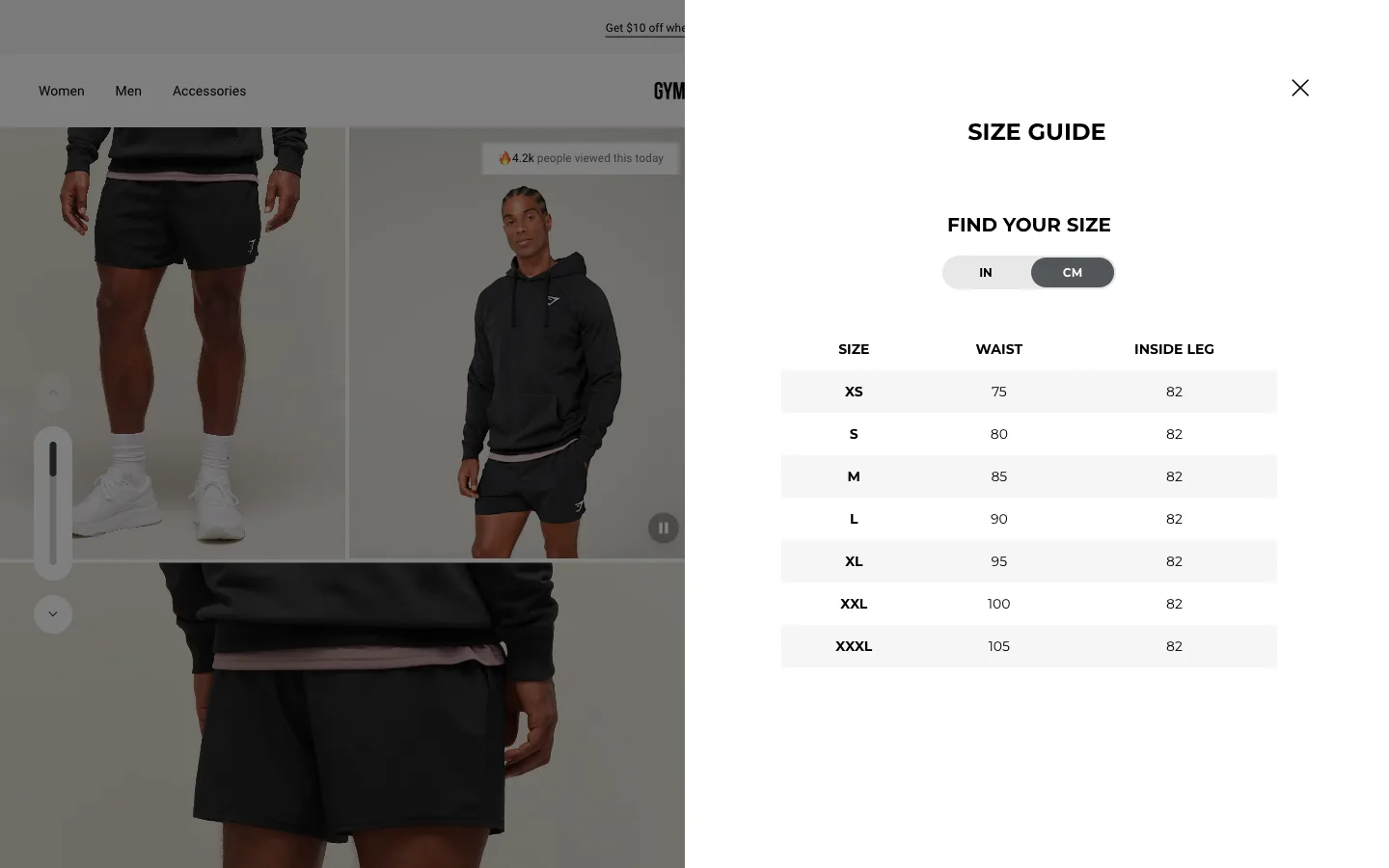
What it is
A "Size guide" link sits directly beside the size selector and opens a modal overlay with a measurement table and fit notes, rather than linking out to a separate help-center page that replaces the product page entirely.
Why it works
Uncertainty about fit is one of the few doubts a shopper can actually resolve before buying, if resolving it is easy. Sending them to a separate page breaks their flow: they lose the product image, the price, whatever else they were weighing, and now have to navigate back and re-orient themselves, which is exactly the kind of friction that turns a five-second check into an abandoned session. A modal answers the question without asking the shopper to leave anything behind.
How to test it
- Hypothesis
- Opening the size guide as an in-page modal will lift add-to-cart rate on sized products, because shoppers who check fit no longer lose their place on the product page to do it.
- Primary metric
- Add-to-cart rate on products with a size selector
- Guardrail metric
- Size-related return rate, which could rise if the modal makes checking feel quick enough that shoppers skim it instead of actually measuring
Related ideas
Want this tested on your store?
We run the experiment, call the result honestly, and get paid on what it adds.
See the performance program