Add size-specific shortcut links to the footer for returning shoppers
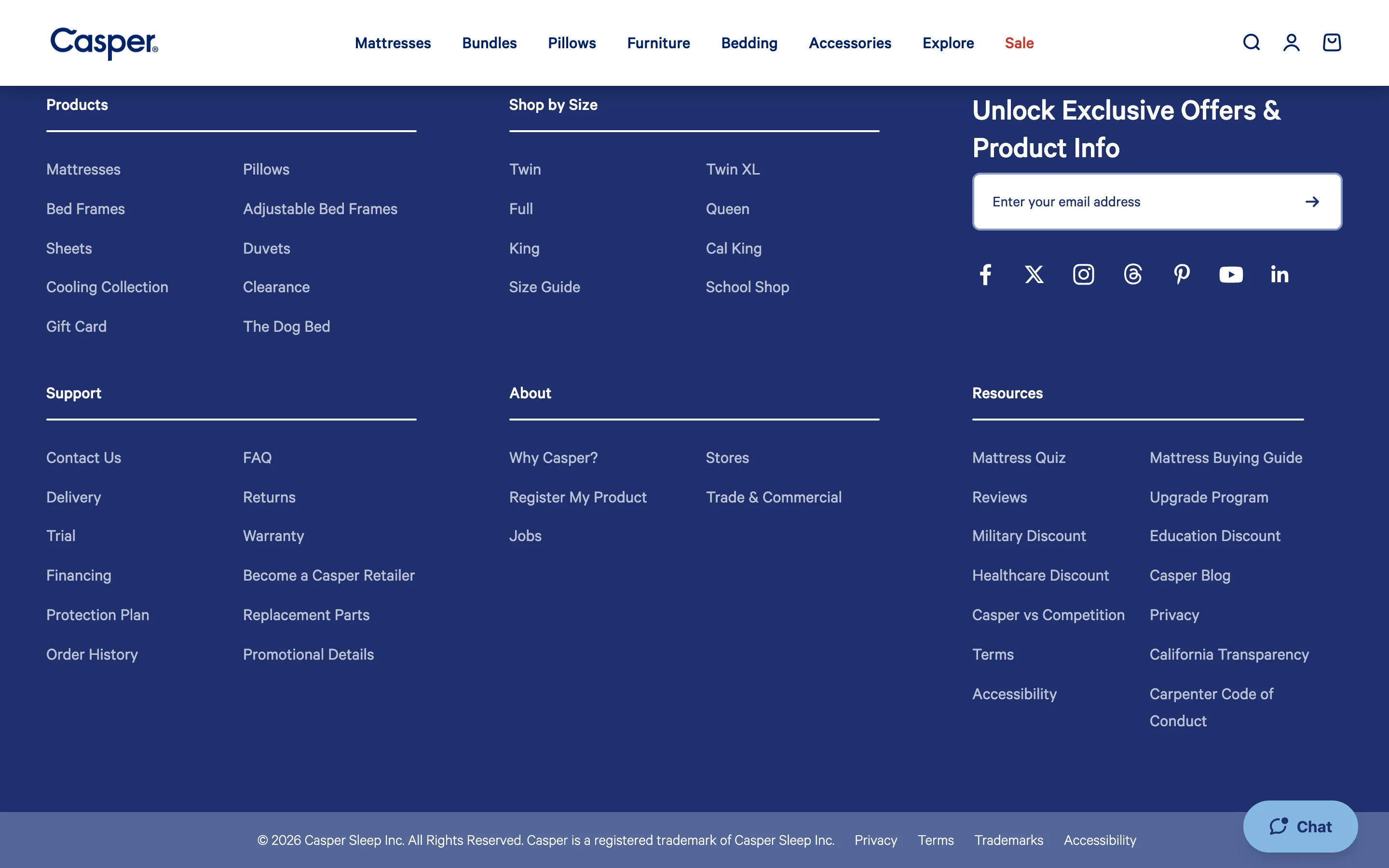
The footer lists direct Shop by Size links, Twin through Cal King, so a returning shopper who knows their size can skip straight to it from any page.
What it is
A "Shop by Size" footer column lists direct links for Twin, Twin XL, Full, Queen, King and Cal King, each routing straight into that size's filtered results, alongside the standard Products/Support/About columns.
Why it works
A returning shopper who already knows their size does not need the homepage, a size guide, or a category page's filter sidebar, they need exactly one thing: their size. Making that the entry point from the footer, available from any page on the site, means that shopper can skip straight to a relevant result set from wherever they happen to be, rather than navigating back to a starting point and re-filtering from scratch every visit.
How to test it
- Hypothesis
- Adding size-specific shortcut links to the footer will lift add-to-cart rate among returning visitors, because shoppers who already know their size can skip straight to a filtered result set instead of re-navigating from a category page every visit.
- Primary metric
- Add-to-cart rate (returning-visitor sessions that click a footer size link)
- Guardrail metric
- Category page filter usage, which could fall if shoppers who would normally explore filtered options jump straight to a single size link instead
Related ideas
Want this tested on your store?
We run the experiment, call the result honestly, and get paid on what it adds.
See the performance program